Product News・2020-11-02
What is on the live streaming equipment list? Picture-in-Picture (PiP) setup tutorial, the most professional live streaming of 2021 is right here! | BXB Electronics
Product News
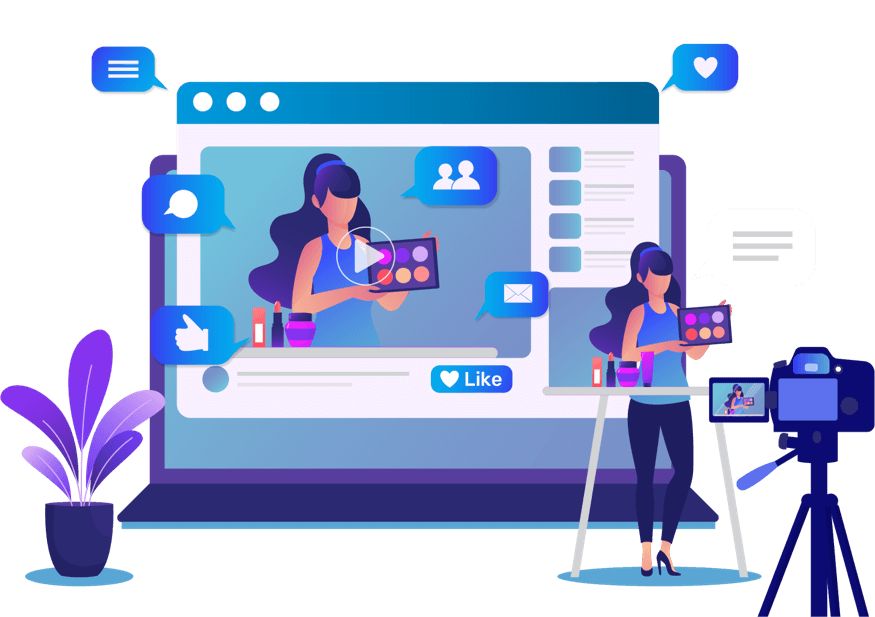
In this era of big data and live streaming, if you don't have complete live streaming equipment, you are bound to fall behind. While others enjoy clear visuals and smooth speeds, your stream is laggy and constantly disconnecting. Besides causing a poor viewing experience, this can also lead to losing subscribers, resulting in the dilemma of streaming hard with no one watching. To have a complete live streaming setup, you need to incorporate Picture-in-Picture (PiP) to make interactions between both sides smoother. Do you also want to have a perfect live stream? Let's first understand what professional live streaming equipment consists of.
What is on the live streaming equipment list? (1) Web camera
To do a good job, one must first sharpen one's tools. A camera is the most fundamental video output tool. Having a camera with complete functions and clear image quality not only makes your live broadcast clearer but also allows your live broadcast to be seen by more people.
(2) Microphone
The microphone determines whether the audience can hear you clearly. If the video is clear but there is no sound, the message you want to express cannot be delivered. Therefore, you must be equipped with a microphone that has excellent audio output capabilities to make your live stream even more engaging.
(3) Computer or Mobile Phone
To achieve a perfect live stream, you need to pair it with software and operate it using a computer or mobile phone to make your stream more engaging. In terms of usability, computer operation is very easy, and common software such as OBS, AMD, and NVIDA graphics card streaming software all support computers. Mobile phones are even more convenient to use, and many web live streams are conducted using just a simple phone camera!
Live Streaming Equipment Recommendation: Streaming Media Picture-in-Picture (PiP) Setup Tutorial
Want to make your live stream more eye-catching? Then make good use of tools to make your live stream stand out. Using Picture-in-Picture (PiP) settings will make your live streaming much easier. Through PiP, you can interact with the audience in real-time. With just a simple press of a button, you can instantly have a PiP screen that can be switched at will. Want to easily present a perfect live stream? We highly recommend BXB Electronics'
HDR-731 Streaming Media Processor
!
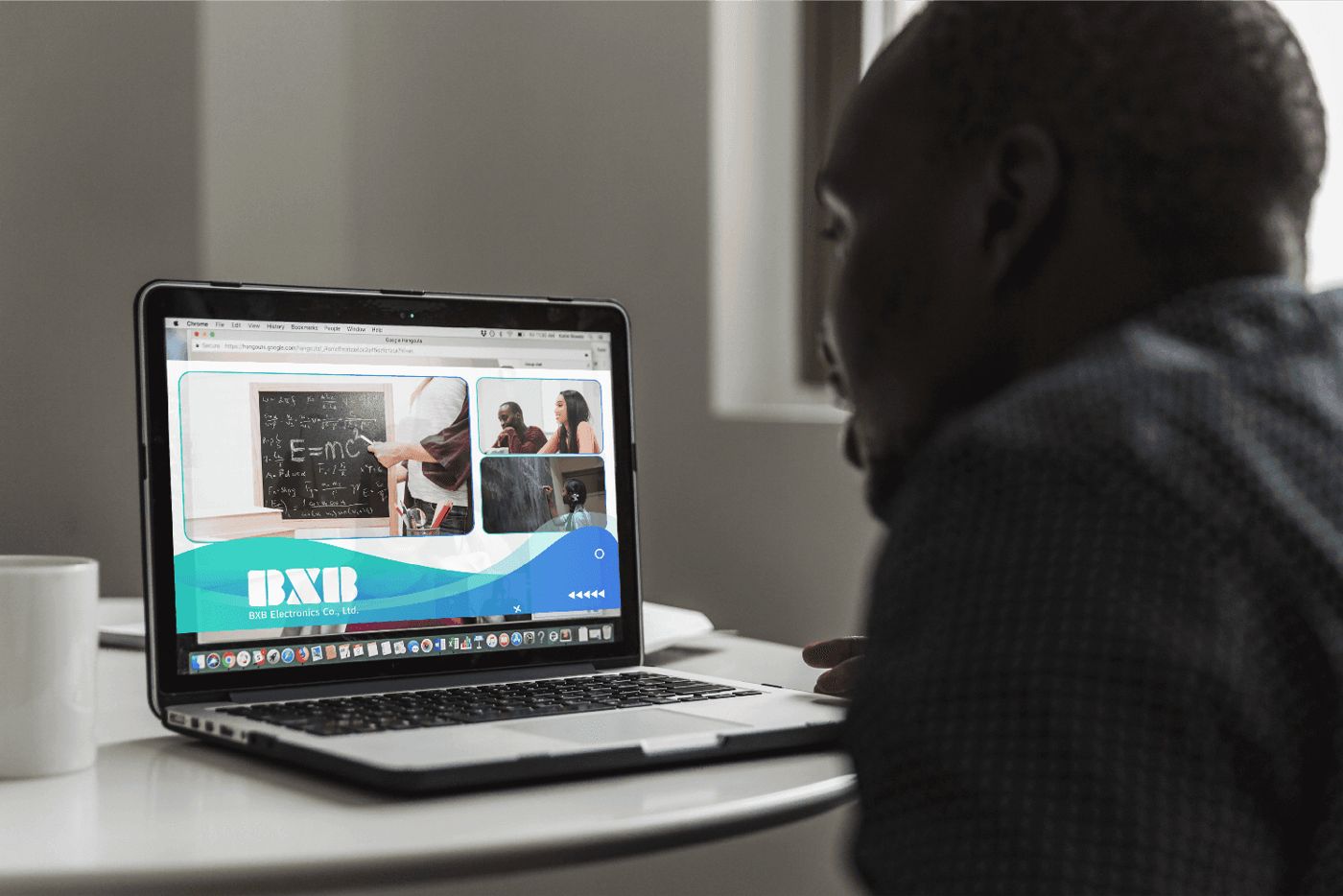
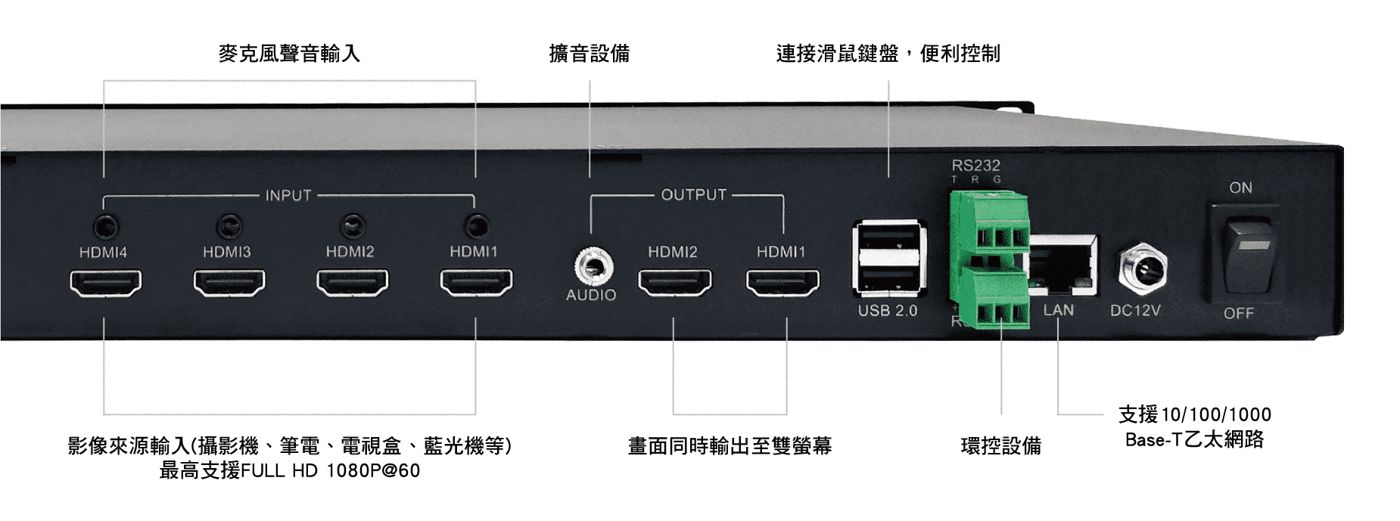
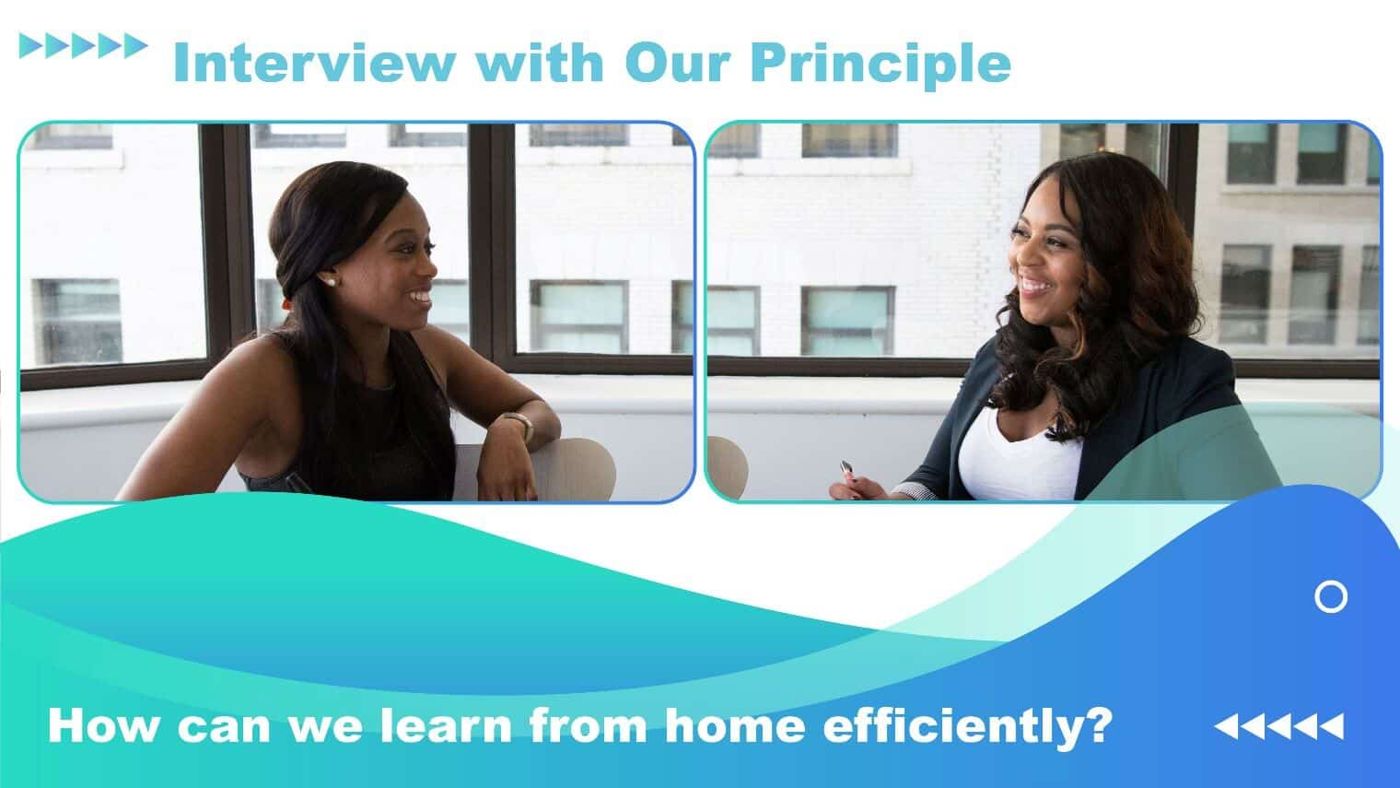
Simply through the Web management platform, you can design output layouts, crop, zoom in, and zoom out images as you wish, and easily complete settings with just a drag of your index finger. It also features simple switching modes for picture-in-picture (PiP), dual-screen, and quad-screen, allowing high-definition video to be switched easily. It also has 2-channel 1080p high-definition video output, which can be used for signal source monitoring without the need to purchase additional equipment.
In addition to live recording and broadcasting, it can also be used for corporate business collaboration, educational training, corporate presentations, webinars, and other scenarios. It also supports streaming output, which can simultaneously output four video sources and PGM video, and set segmented video times to automatically segment video files.
Picture-in-Picture (PiP) Setup Tutorial STEP 1. Turn on:
Open the Web management platform.
STEP 2. Output:
Freely design output layouts, crop, zoom in, and zoom out images.
STEP 3. Switch:
Easily switch between PiP, dual-screen, and quad-screen.
STEP 4. Record:
to start live streaming.
After reading the above, you realize that a perfect live stream only requires a streaming media processor. Are you tempted to buy one? Then quickly contact BXB Electronics, which has been recognized with the "Taiwan Excellence Award."
, making them definitely an excellent manufacturer you can trust.