

FCS-6300 Fully-Functional Conference System
FCS-6380 Conference Graphical Control Management Unit
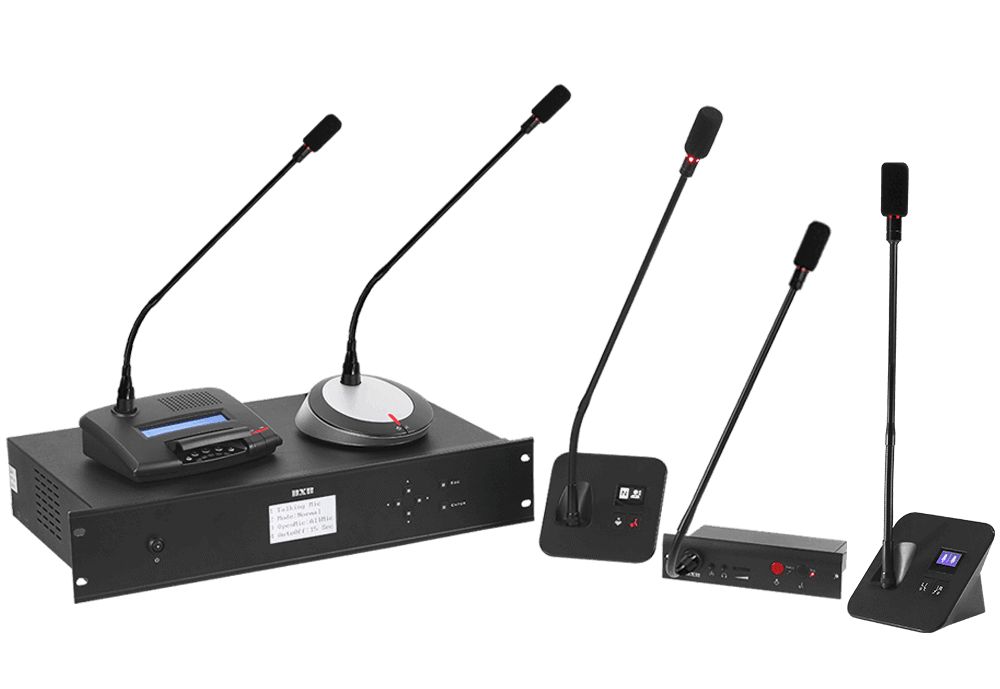
Conference graphical control management host featuring TCP/IP network control and a web management platform.
・Supports conference modes, voting, recording, and multi-screen switching control.
・Microphone ID codes and chairman/delegate status can be freely set, facilitating roll call and attendance.
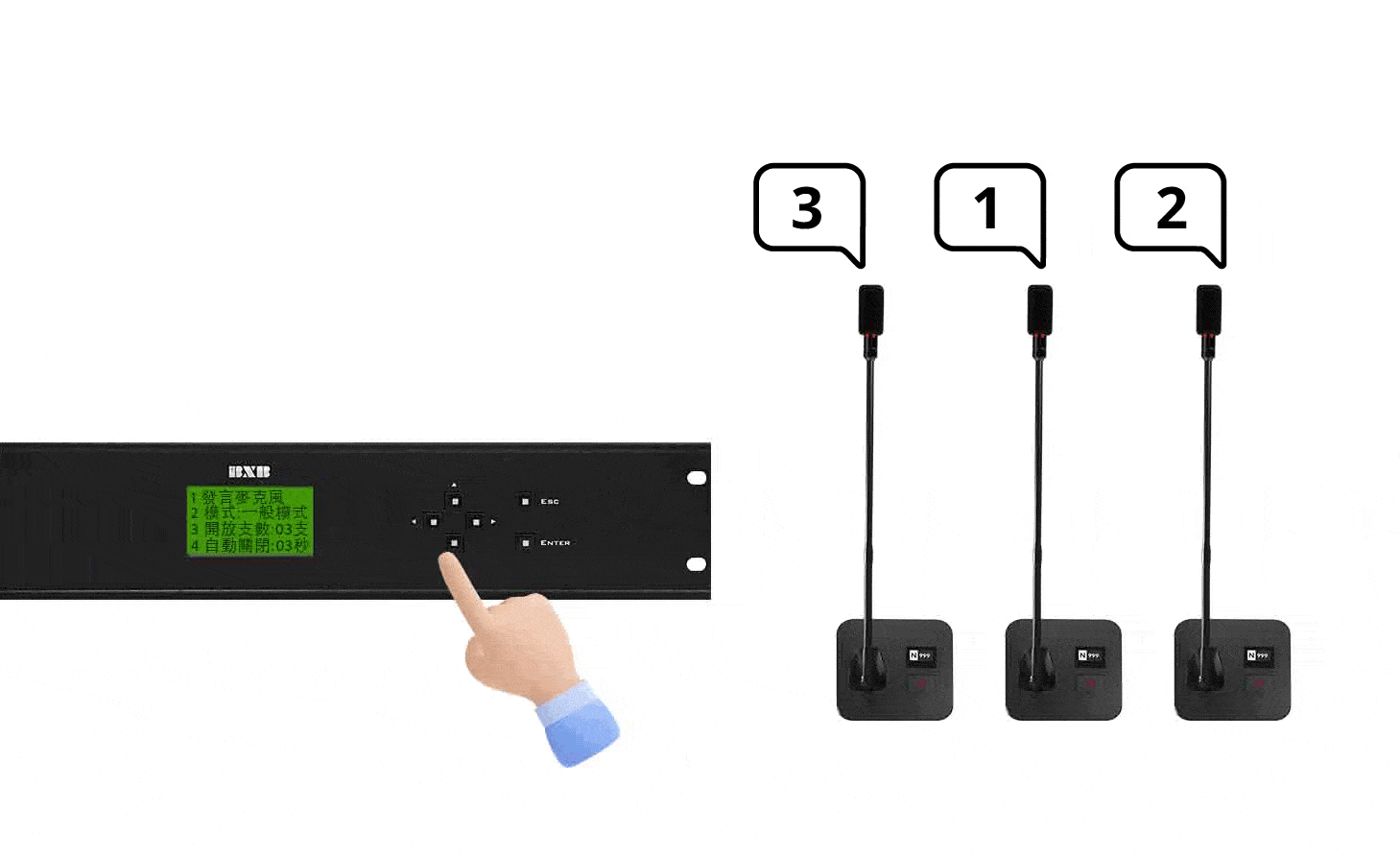
・Supports automatic microphone shutdown 10 to 99 seconds after speaking ends.
・Microphone output can be individually adjusted based on each participant's volume to maintain consistent audio levels.
・Supports mobile meeting management via smartphones or tablets, providing a web-based browsing platform.
・Equipped with a service button that automatically transmits information to headquarters for remote troubleshooting in case of anomalies.
Introduction to FCS-6300 Fully-functional Conference System
This model belongs to the FCS-6300 Fully-Functional Conference System. To learn how the system works, where it is used, and how to operate it, please refer to the series introduction.

View FCS-6300 Fully-Functional Conference System Introduction →
Specifications
Compare with other models in the same series| Dimensions (W×H×D) | 483 x 44 x 205.5mm |
|---|---|
| Rack Mount | 19" 1U |
| Weight | 3Kg excluding power adapter |
| Storage Temperature | -20°-80℃ |
| Operating Temperature | 0°-45℃ |
| External Power Supply Voltage | DC 12V 7A MAX |
| Voltage/Frequency | 110/220V |
| Standard Power Adapter Total Power | 84W |
| Standard Power Adapter Weight | 0.5Kg excluding safety power cord |
| Power Control | Single Control Key |
| Power Connection | One set of DC12/7A MAX ports |
| RS-232 Communication | Dual DIN-9PIN ports |
| USB Communication | Three sets of USB 2.0 and four sets of USB 3.0 communication |
| Network Communication | Two RJ-45 TCP/IP communication ports |
| Display Output | Two HDMI signal output ports |
| Audio Interface | One set of line output, one set of line input, one set of microphone input |
| Status Display | Six functional status indicators |
| Alert Notification | One Service Call Button |
Updated Date 2026-11-10
Frequently Paired Models
According to actual shipment statistics in the past: the equipment most commonly purchased together for projects involving this model.

HDR-731
Streaming Media Processor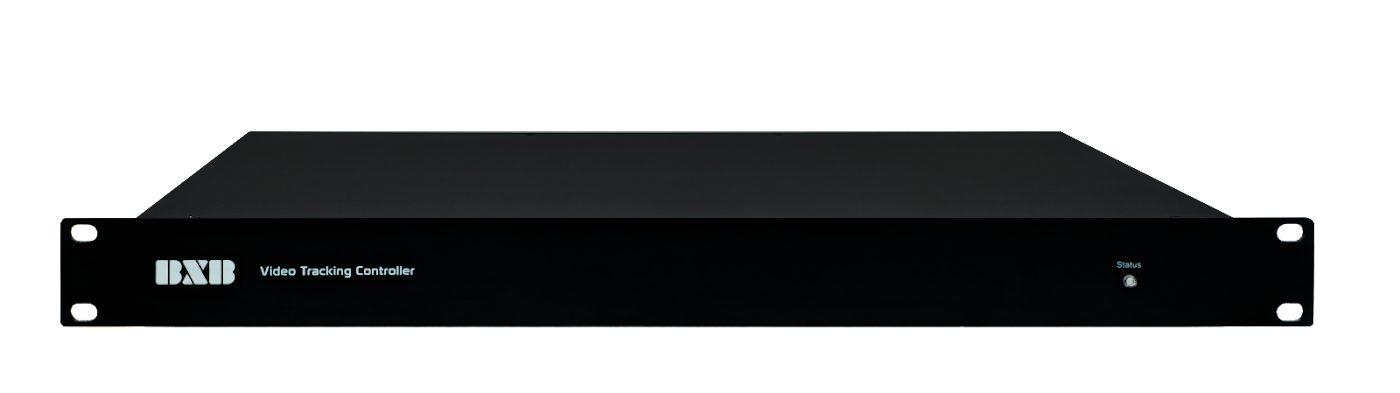
VT-725
Video Tracking Controller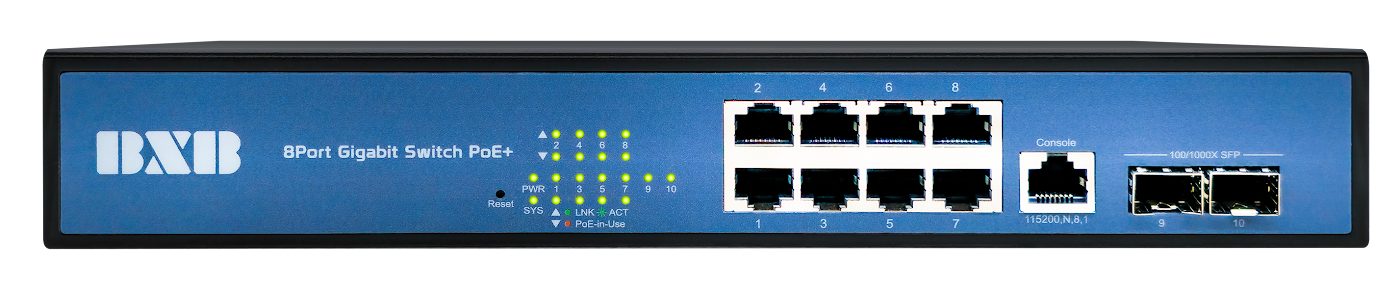
GS-1002P-V2
8-Port PoE+ Gigabit Network Switch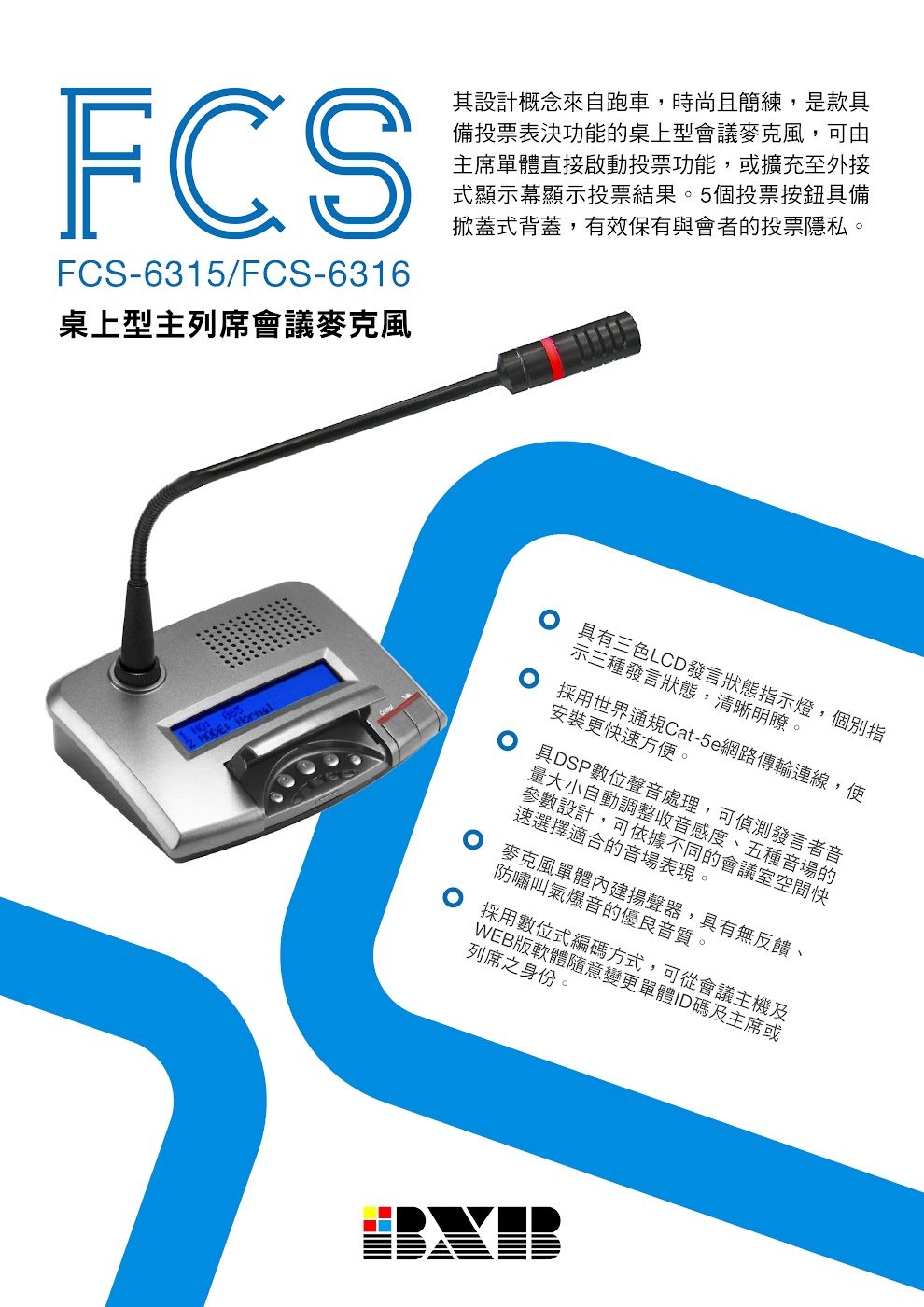
FCS-6315
Tabletop Chairman Unit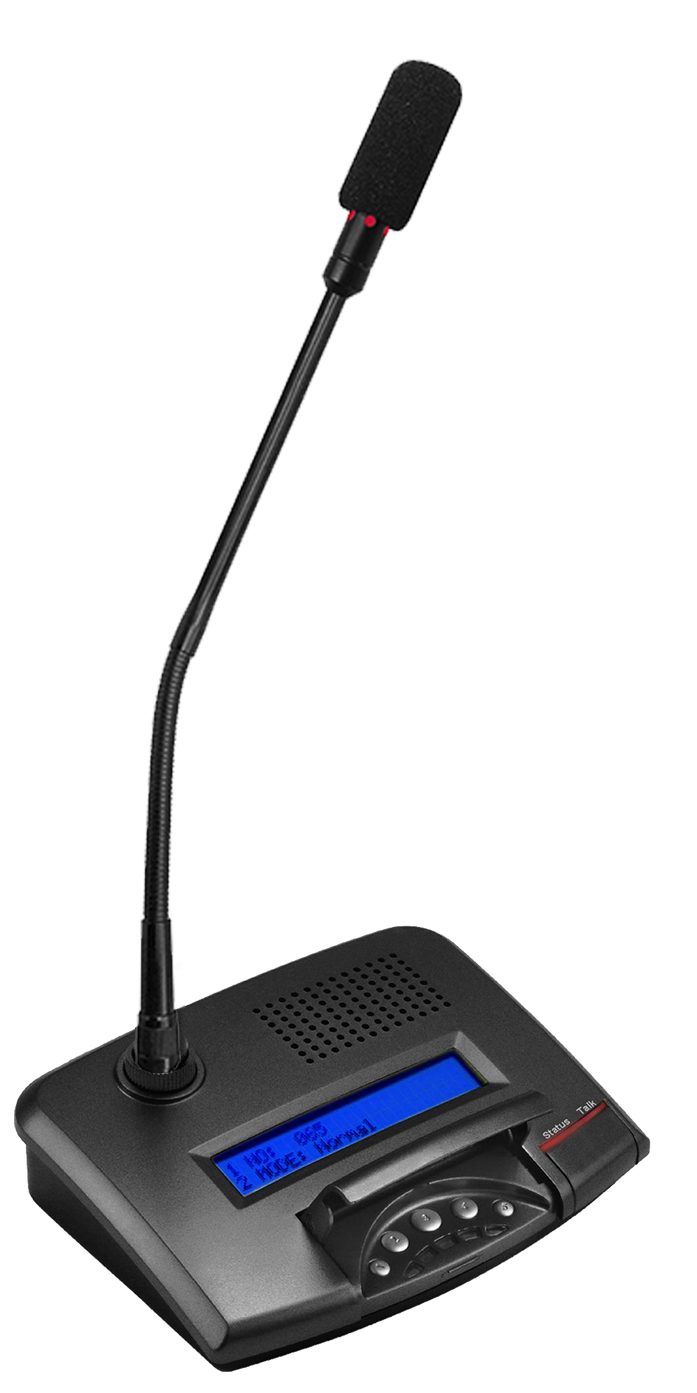
FCS-6316
Tabletop Delegate UnitWM-56D1HT
Gooseneck Microphone (560mm)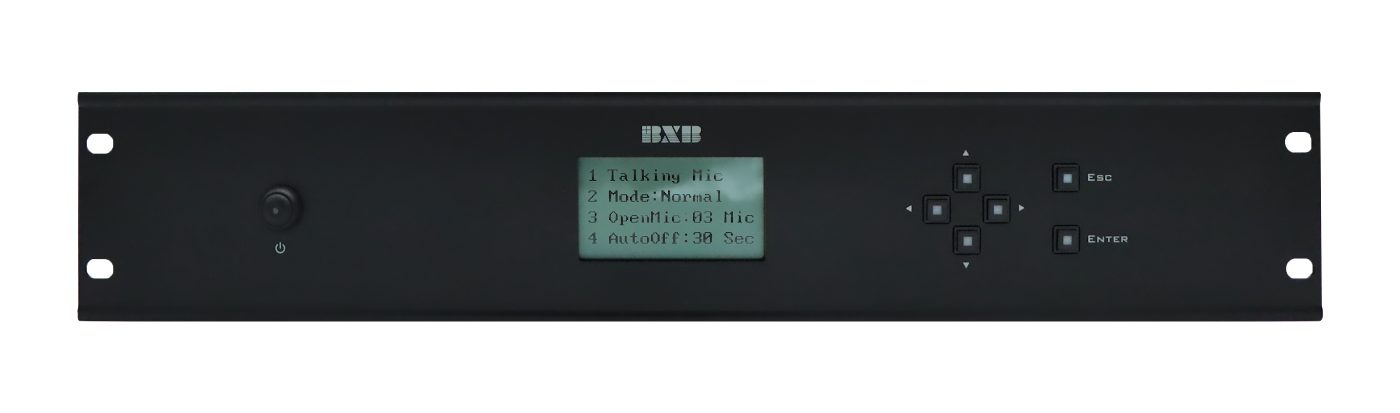
FCS-6350
Digital Conference System Main UnitHCK-700T
Camera Control KeyboardDocuments
- catalog (datasheet)Traditional Chinese
- catalog (datasheet)2018-08-03-FCS-6380-Conference Graphical Control Management Host-en.pdfEnglish
Last Updated: 2026-11-10