Speaker Tracking
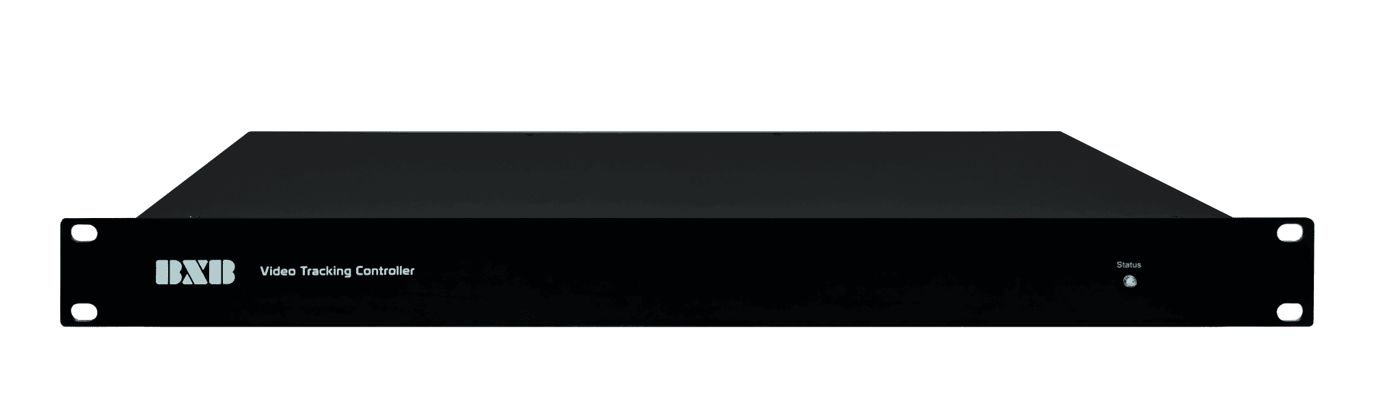
VT-725 Video Tracking Controller
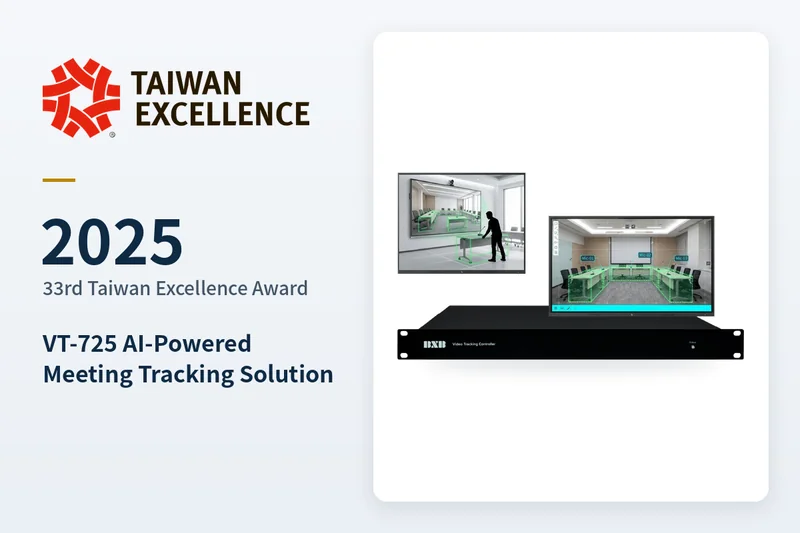
🏆 BXB Electronics Wins 2025 Taiwan Excellence Award, Demonstrating Excellence in Smart AV Solutions
Video Tracking Controller: When someone speaks, the camera automatically pans and captures the speaker.
Awarded the 33rd Taiwan Excellence Award in 2025.
Awards & Recognition
Product Introduction
VT-725
Video Tracking Controller
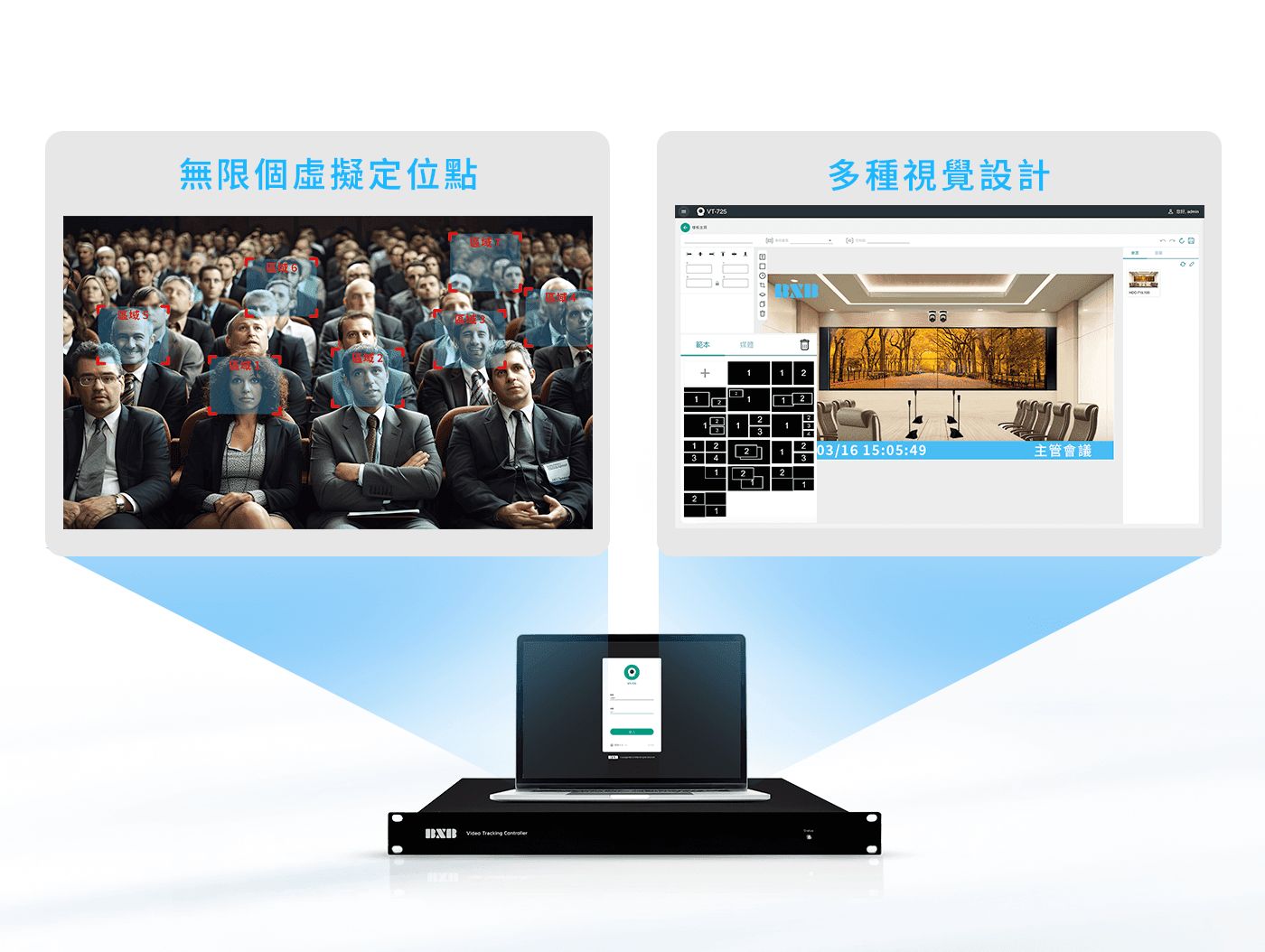
Unlimited virtual presets and multiple visual designs to create a face-to-face meeting experience
Unlimited virtual presets and multiple visual designs to create a face-to-face meeting experience
- According to customer feedback statistics, most people participating in video conferences often face issues such as having to manually adjust camera angles, being unable to track moving participants in real time, and failing to switch focus quickly enough in multi-person scenarios. These difficulties reflect the current shortcomings of video tracking functions, such as complex manual operations and insufficient automatic recognition capabilities. Therefore, enhancing and improving video tracking functions has become one of the key directions for increasing video conferencing efficiency and completely recording the process.
- Video tracking is crucial for meeting rooms, as it helps enhance the efficiency and effectiveness of meetings, creating a more natural and professional meeting experience. This function can automatically switch to the designated screen under various usage scenarios, preventing screen occupation, reducing communication barriers, improving meeting efficiency, and thereby promoting corporate communication and collaboration.
- A complete video tracking system should integrate high-definition PTZ cameras with a comprehensive user interface. This allows users to easily auto-track individual and multi-person views, calling up cameras through conference microphones to ensure clearer and smoother tracking. Meanwhile, the optimized user interface and high-definition output help improve the operator's efficiency and optimize the visual quality for participants.
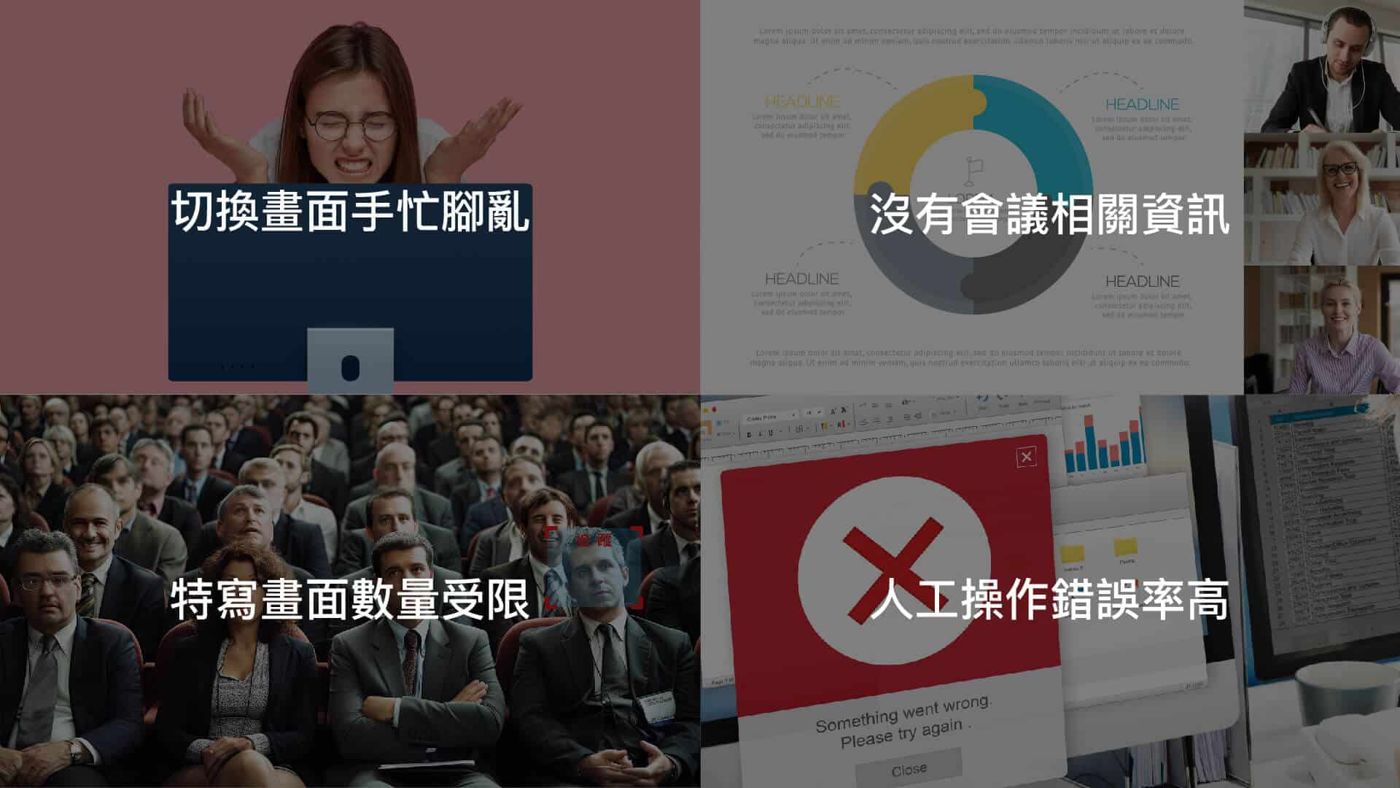
Solve the following problems you encounter when speaking
AI Auto-Tracking
Automatically tracks portraits and, when detecting no one is speaking, automatically switches back to the panorama or designated screen, preventing the video screen from being occupied, ensuring the meeting screen always focuses on key content, improving meeting efficiency, and reducing communication barriers.
Dual-speaker speaking, video tracking and split-screen
When two people speak, the screen automatically splits into dual views, clearly presenting both speakers.
Camera Tracking
When a microphone is turned on for speaking, the camera tracks the image; when it detects no one is speaking, it automatically switches back to a panoramic or designated view, preventing the video screen from being occupied.
Ensures the meeting screen always focuses on key content, improving meeting efficiency and reducing communication barriers.
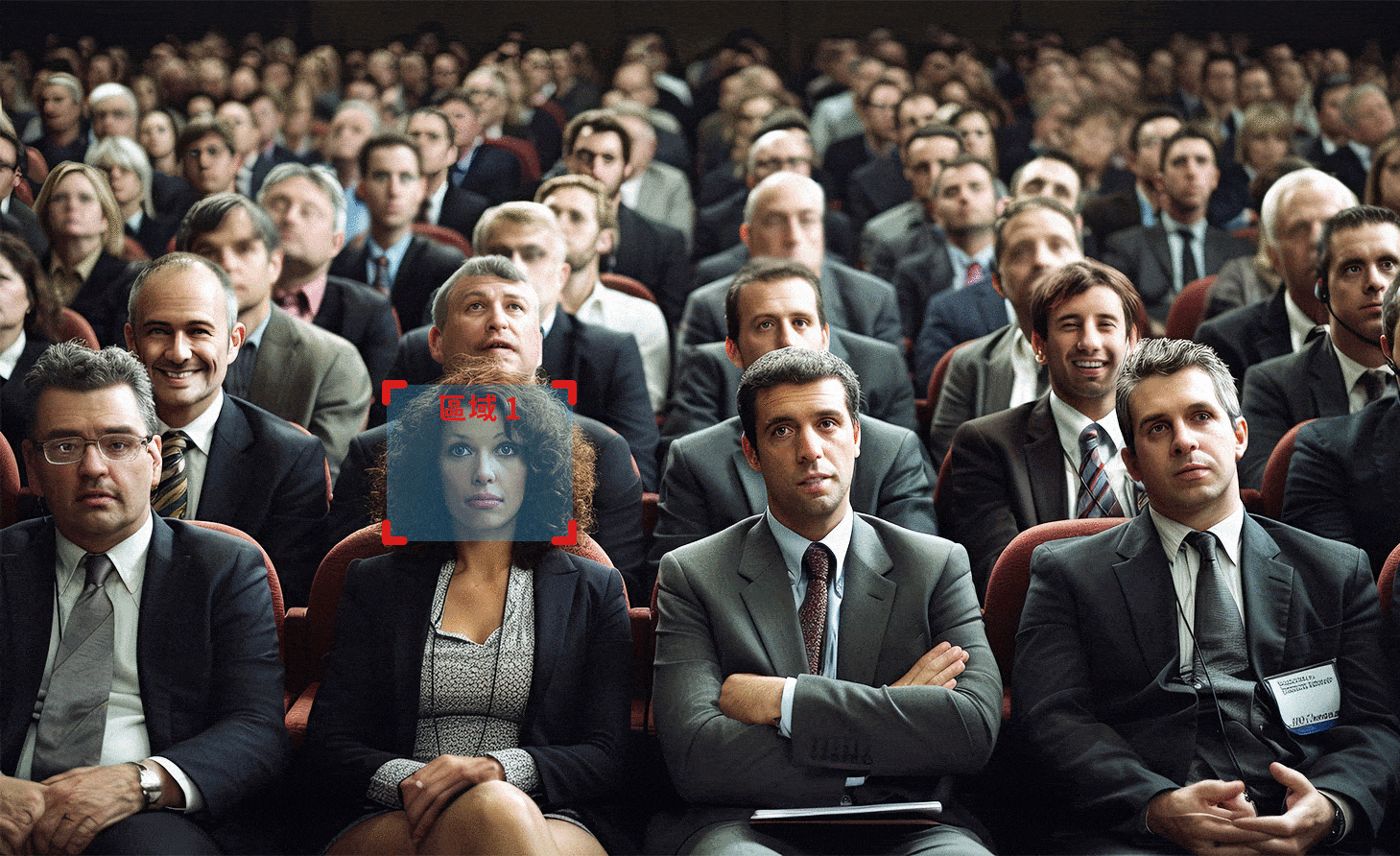 Scenario Illustration
Unlimited Virtual Presets
In open seating areas, tracking and positioning are no longer limited by microphone locations, instantly capturing every movement in the venue to meet the needs of spaces of various scales.
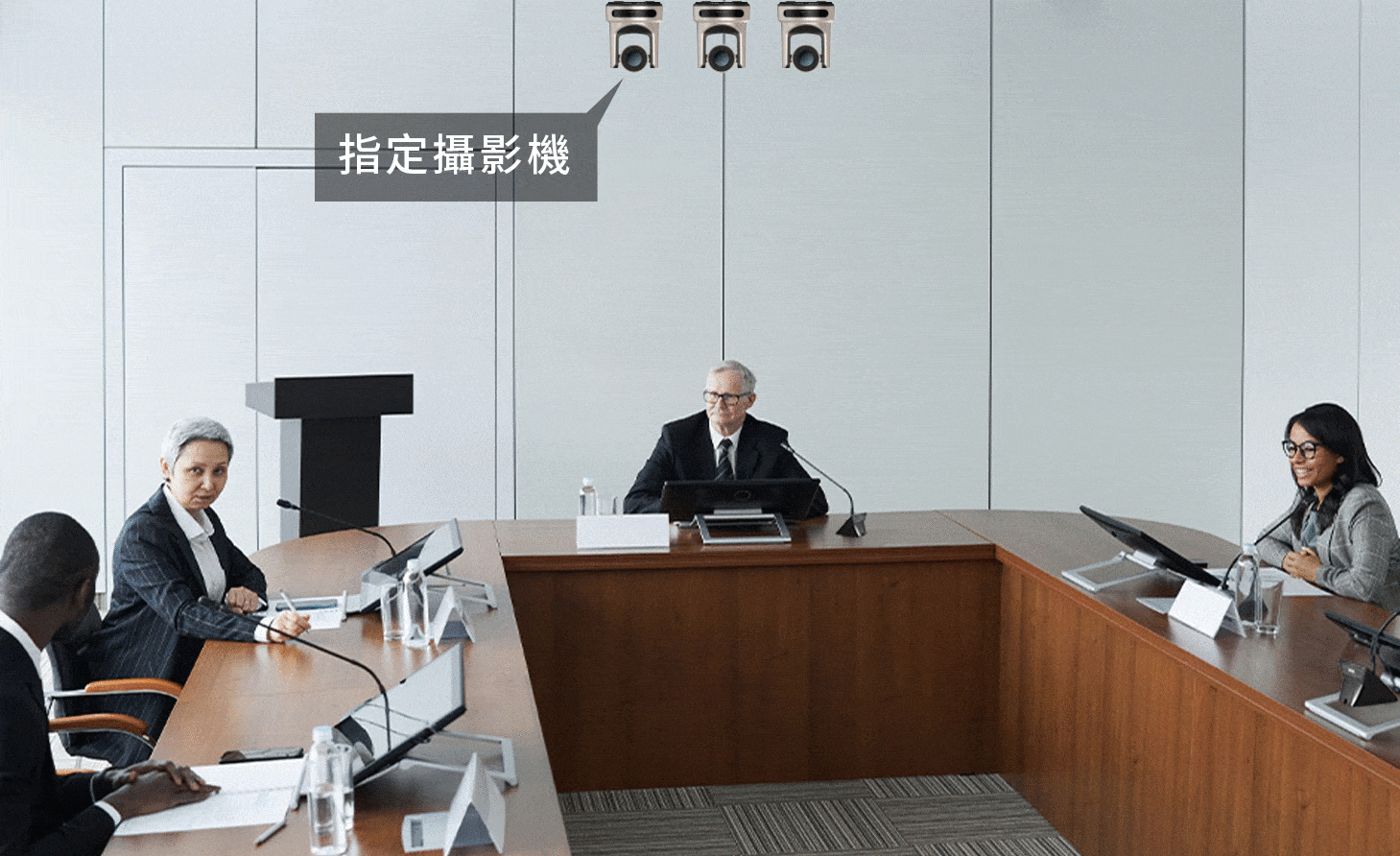
Auto-Switch Layout Screen
Allows assigning cameras to specific layouts, automatically switching to a designated screen layout when set conditions are met.
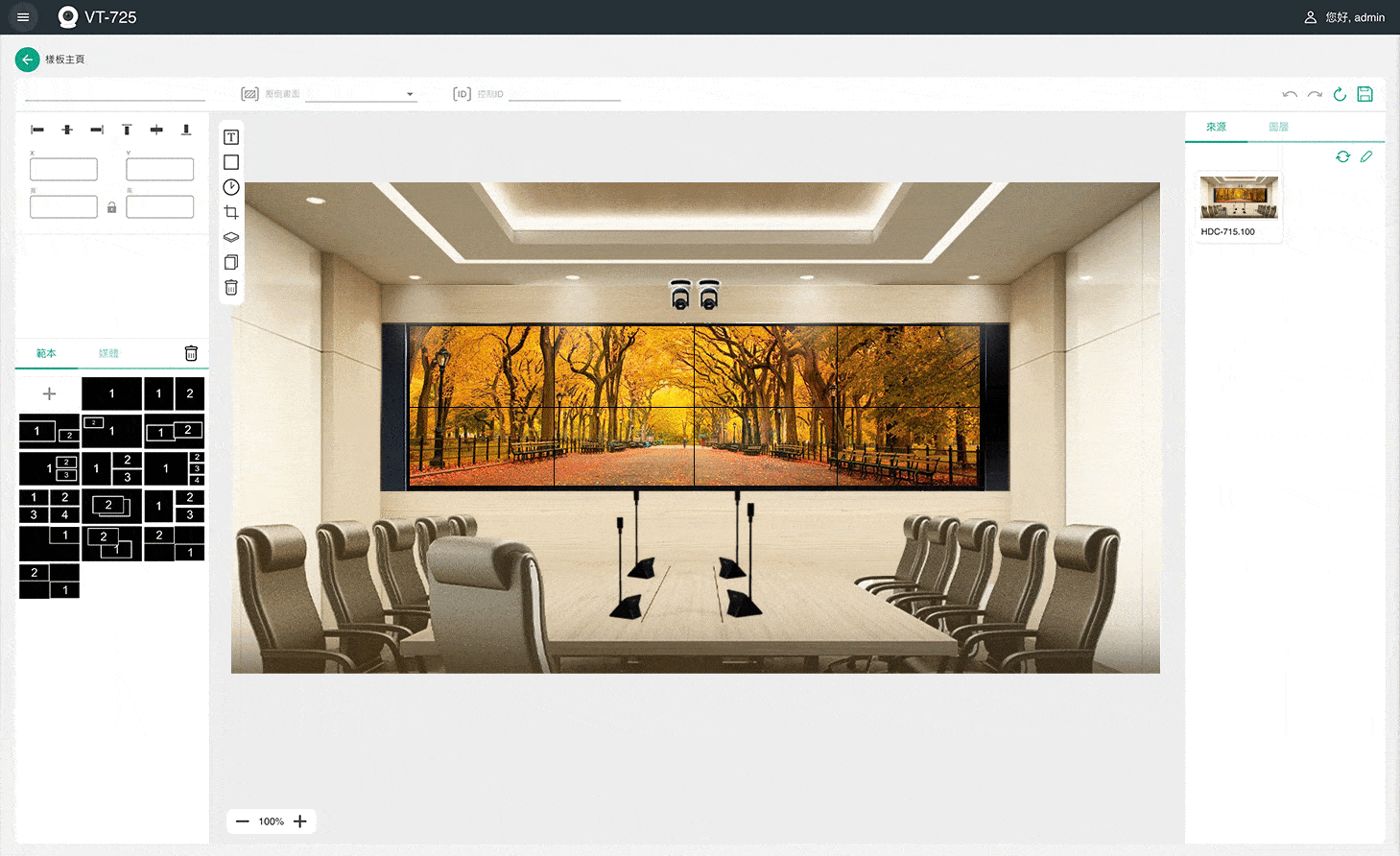
Layout with Rich Information
Adjust layouts based on video sources, adding images, text, and time information to enhance the visual presentation of information.
Web-Based Real-Time Remote Control
Easily configure and monitor camera feeds via PC, tablet, or smartphone without downloading additional drivers, making operation more convenient.
Easy One-Page Control
Easily control BXB cameras via web browser. You can switch between different shooting modes based on usage scenarios, focusing and zooming in on designated areas to quickly capture key points of the meeting.
High-Definition HDMI Output
Can output IP camera footage required for 1920 x 1080 streaming, making every detail clearly visible and presenting highly realistic meeting content.
What equipment makes up a system
Composition of each system (Host side → Transmission → Terminal). The public address system is calculated based on the "Full Series Public Address System Configuration Method" and platform configuration; other systems are organized based on the actual shipped combinations in the ERP 2023–2026 orders and quotations. The quantity and configuration are evaluated by the dealer based on the site conditions.
Tracking Control
Connects to the conference system main unit; the camera automatically pans to the preset position when someone speaks.
Conference System
Model of VT-725 Video Tracking Controller
Check "+ Compare", up to 3 models, to view specification differences side-by-side.
- VT-725Video Tracking Controller
Case studies using VT-725 Video Tracking Controller
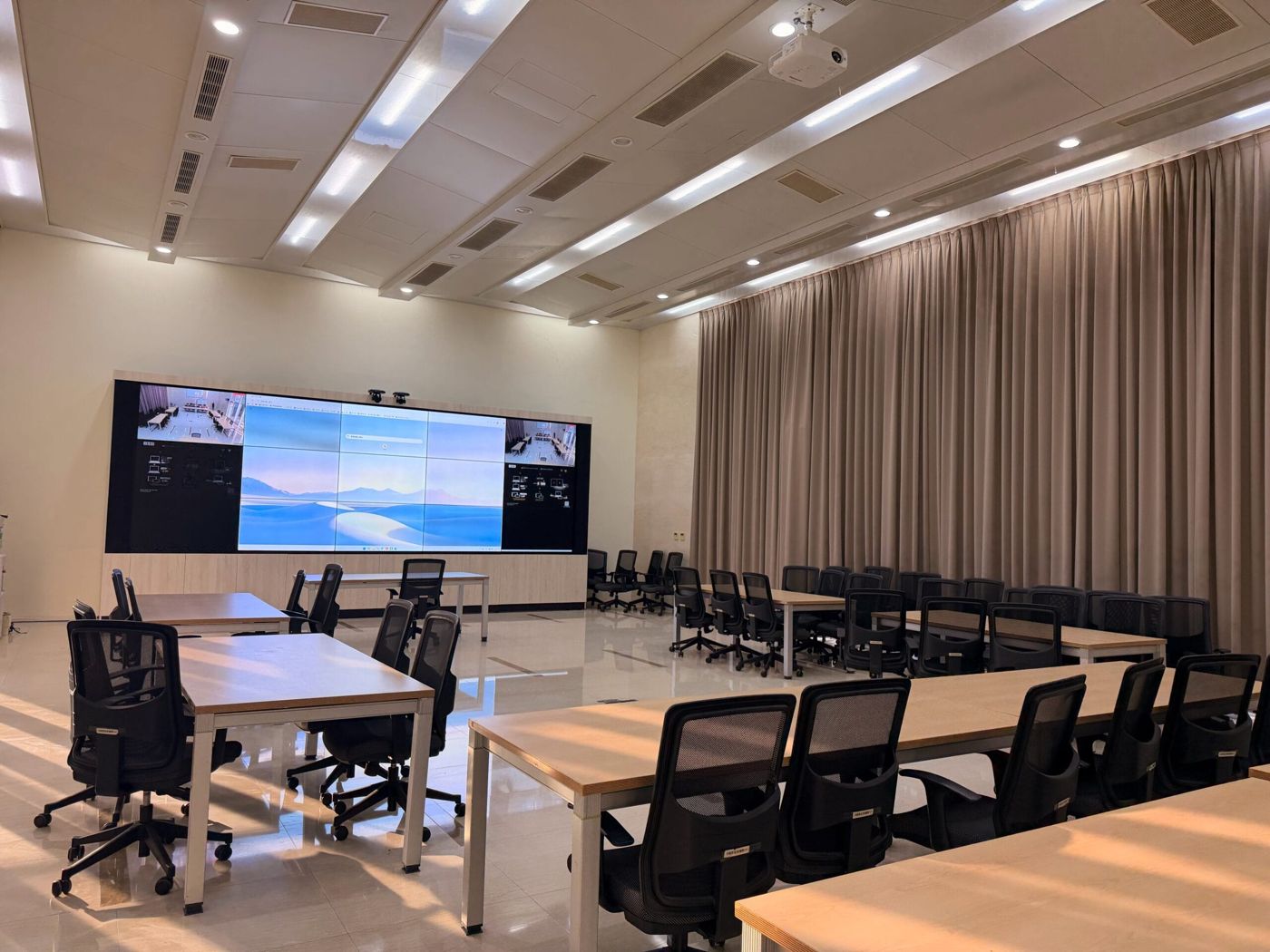
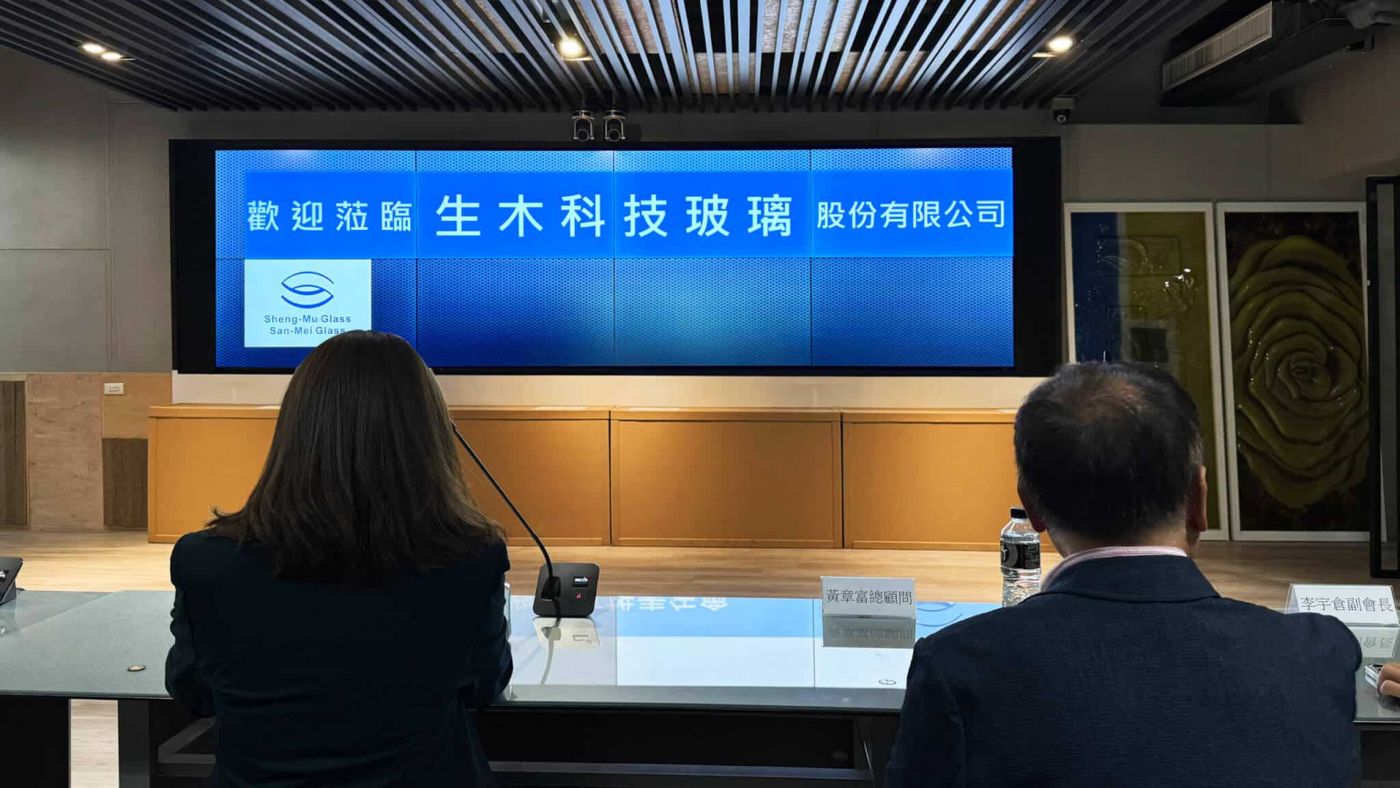
【Technology · Experience · Practice】Envision your next-generation smart headquarters at the experience showroom in Zhonghe, New Taipei City
PTZ・VT-725・SC-100・ADM-1000Breaking Communication Bottlenecks! Yannigo
FCS-6300・VT-725Real-time decision-making and smoother cross-unit communication! BXB Smart Meeting Room builds the core of smart governance for a well-known financial holding group
FCS-6300・VT-725・HDR-731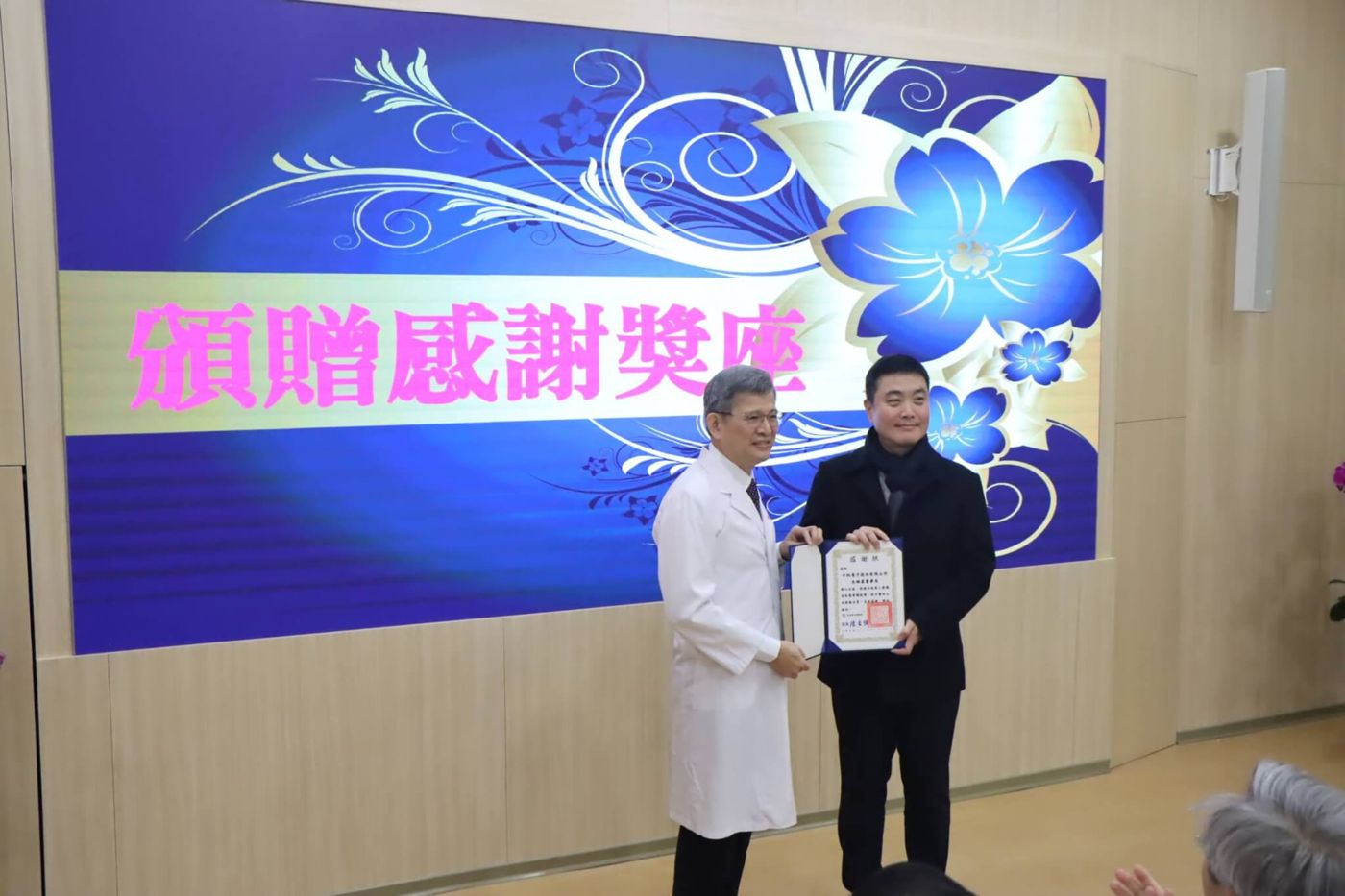
Leading a New Benchmark in Professional Healthcare! BXB Smart Meeting Room empowers Kaohsiung Veterans General Hospital, comprehensively upgrading efficient collaboration and medical knowledge transfer.
FCS-6300・VT-725・HDR-731・SC-100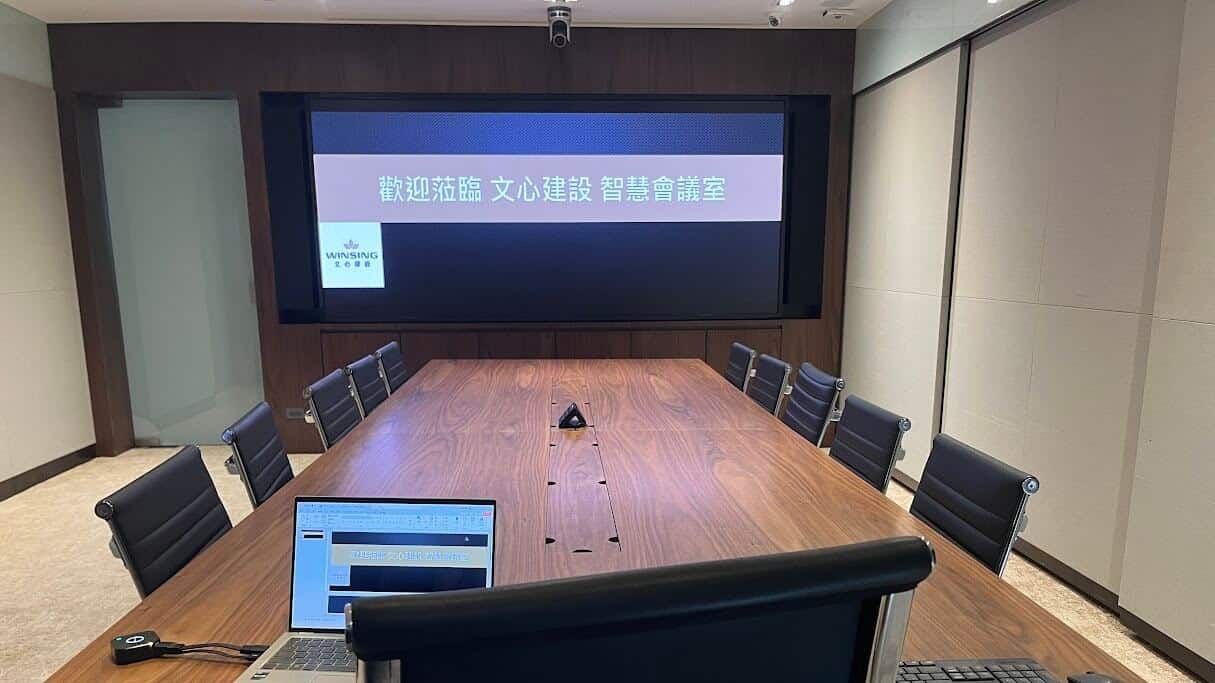
Wenshin Construction's Vision for the Future: Smart Conference Rooms Reshaping Communication Efficiency and Brand Value
FCS-6300・VT-725・HDR-731・SC-100